🎉 See How It Works. Try It Yourself!
This is a live demo. Explore each step below to see exactly what you'll be building. Your family will receive a link just like this one, open it on their phone, and spin to find out!
↓ This is your wheel preview. Click it to try spinning!
👆 Click the wheel above to watch it spin. That's exactly what your family will see!
1
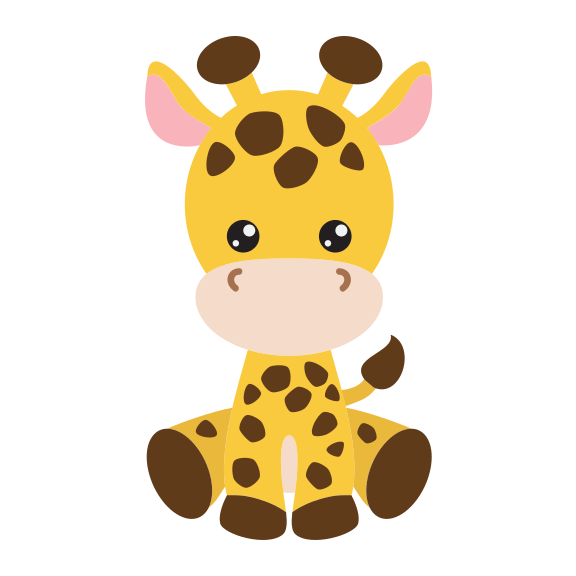
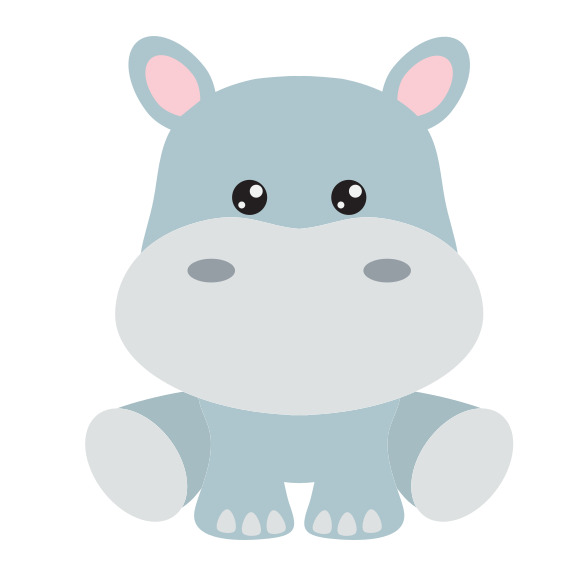
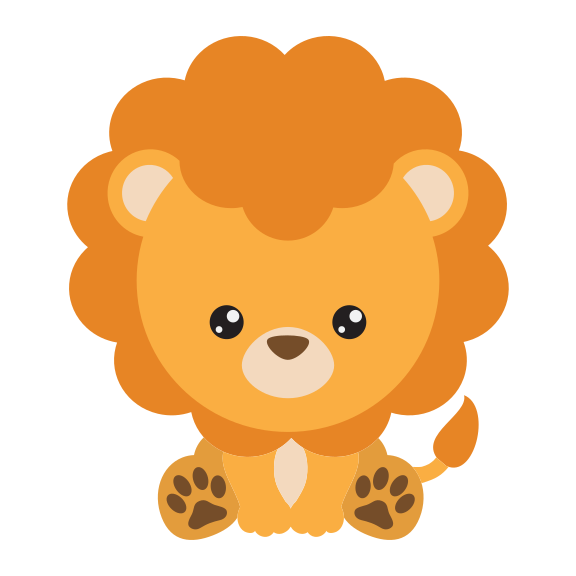
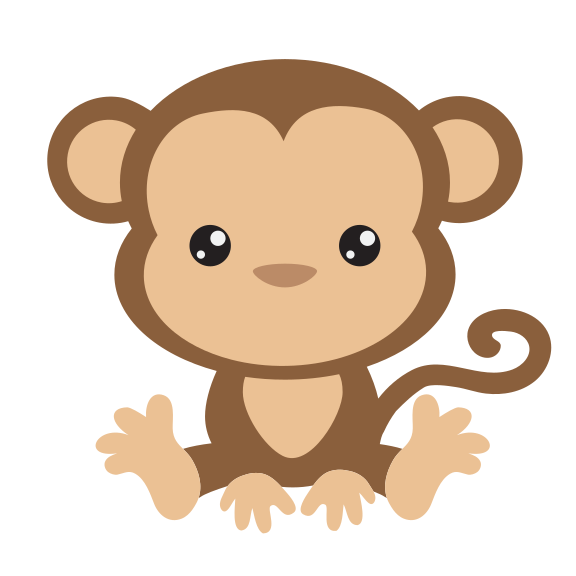
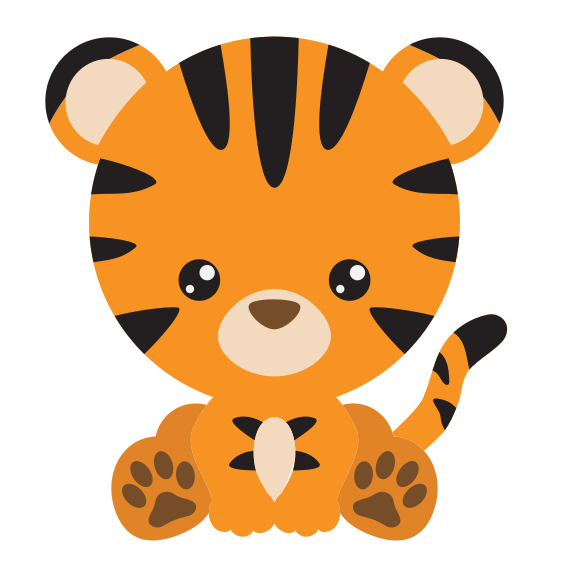
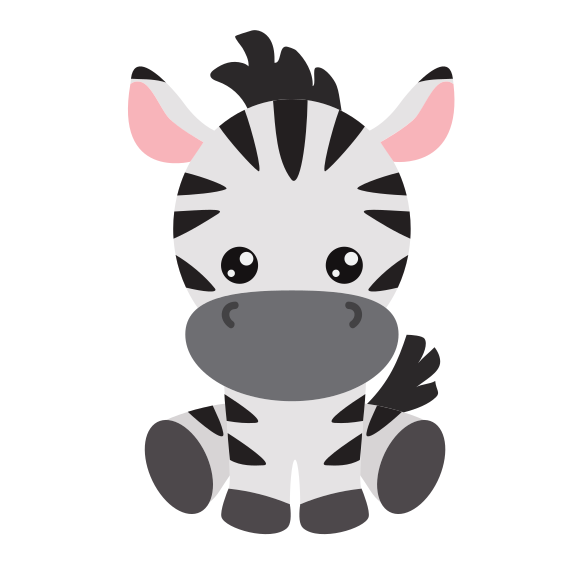
Step 1Choose your mascot
Pick an animal. It will sit in the centre of your wheel.
2
Step 2Set your categories
Usually "Boy" and "Girl", but you can name them anything. Tap the colored dots to change the colors too!
3
Step 3Write a message
Optional. This heartfelt message will appear after your loved one spins and sees the result.
4
Step 4Share your wheel
When you're happy with your wheel, share the link! Your family just taps it to spin.